Copyright © Reformed Finch 2026. All rights reserved.
Privacy PolicyBooks · part of the Reformed Finch Suite, on every paid plan
Sunday deposits, designated funds, budgets, reconciliation and giving statements — kept in one shared ledger instead of one person’s spreadsheet.

Shown with a made-up congregation, “First Church”.
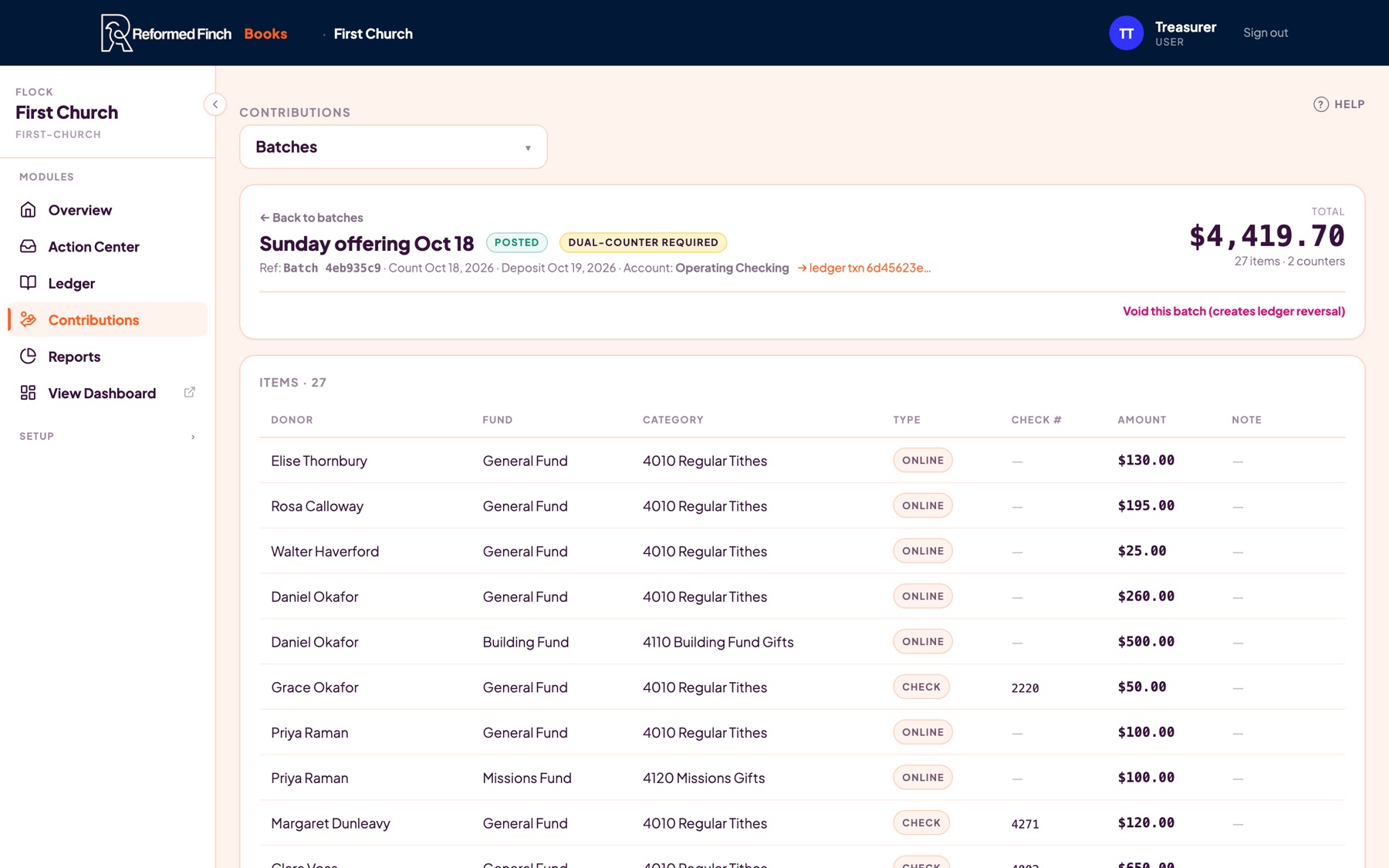
Counters enter each gift — donor, fund, check number — in a batch. When two counters have signed off, the batch posts to the ledger as a single deposit, split by fund.
Donor names stay inside Contributions. The ledger only ever shows the deposit.


General, Building, Missions, Benevolence — restricted and unrestricted. What We Have shows the money by account, then the same money by fund, and tells you when they match.
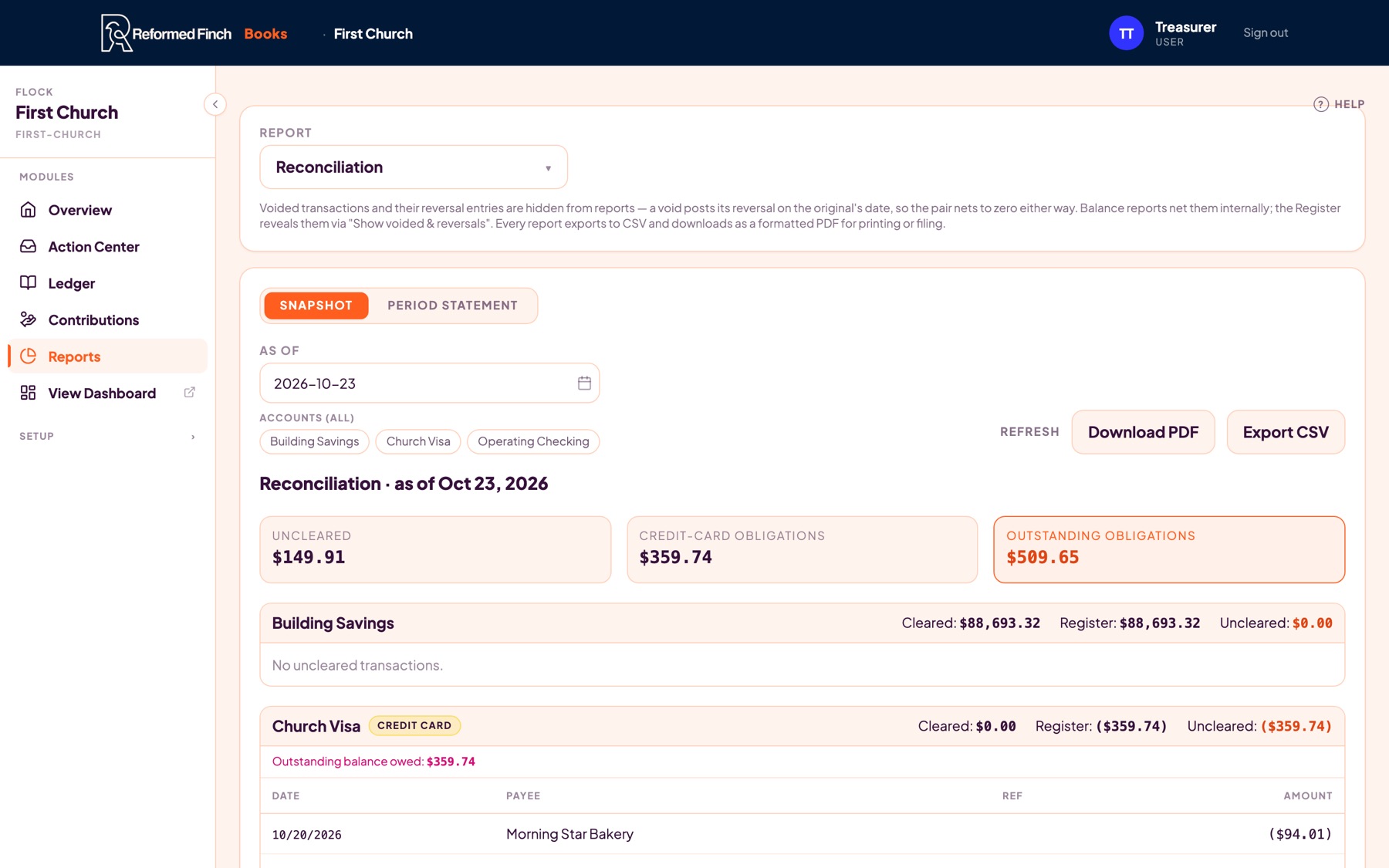
Tick off what cleared, and the difference goes to zero before you can finalize. The reconciliation report shows what is still outstanding, by account and card.

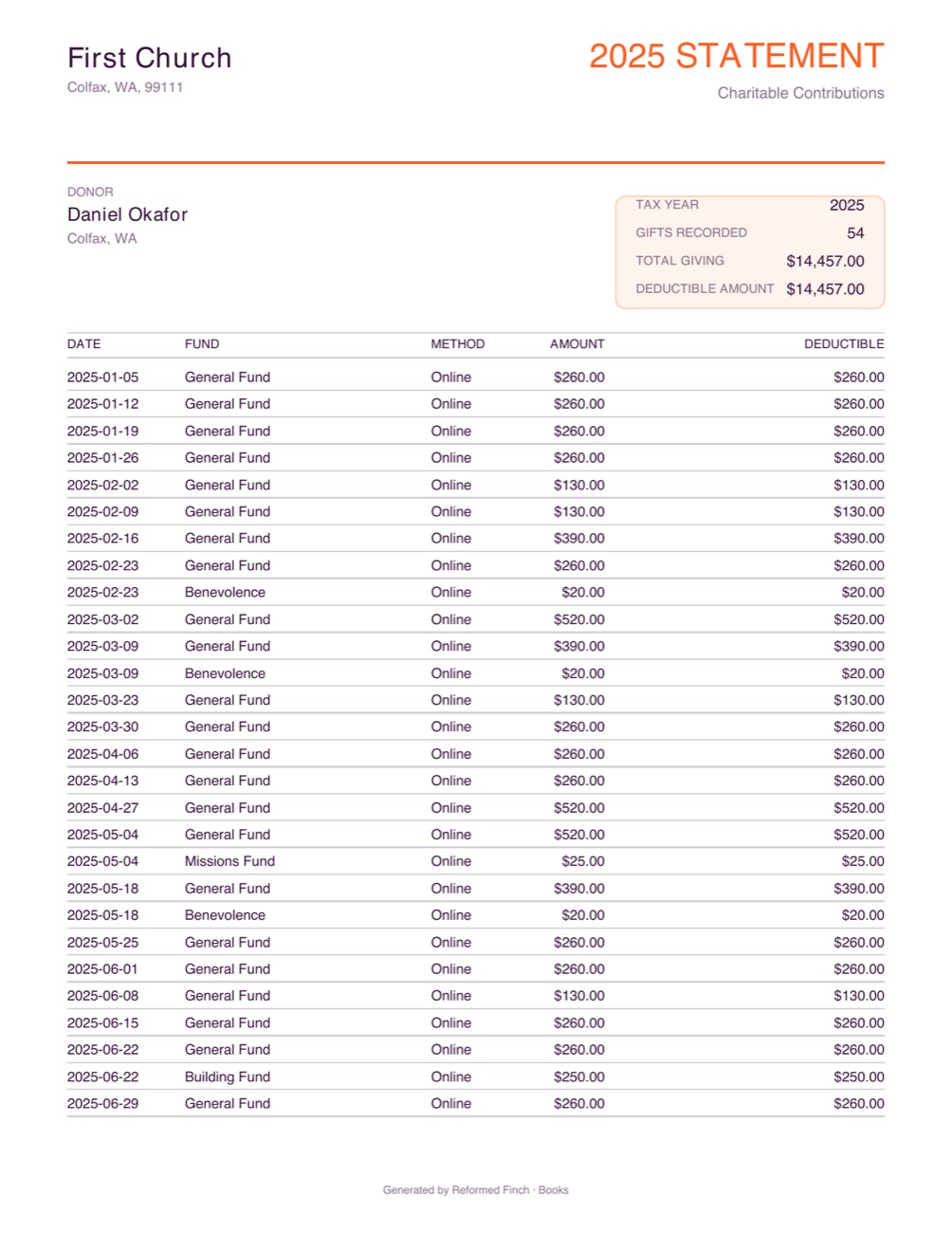
Generate a year-end statement for one donor, or for every donor and household at once. Per-gift receipts too.

Draft, propose and adopt a budget; track pace against last year’s seasonal pattern.
Queue checks, print them on your stock, and record spoiled ones.
Import a bank CSV, OFX or QFX file and review each line with rules and suggestions.
A read-only report your board can open: funds, budget, cash flow and trends. More board resources are coming soon.
Invoices and pledges, with what is owed to you on one report.
Every change is logged with who made it. Closed periods stay closed.
Books reads chart-of-accounts, fund and payee exports from QuickBooks, Aplos and Breeze, and ChurchTrac registers. Other transactions come in through our CSV or Excel template. A Get Started checklist walks your treasurer through each step.